Give Your AI Agent the App Market Over MCP
The DataPussy MCP server gives your agent 14 curated tools for app-market data, a concise and a detailed view, the cost of every call and OAuth 2.1 sign-in. Here is what it does, how to install it in Claude Code and Cursor, and prompts to start with.
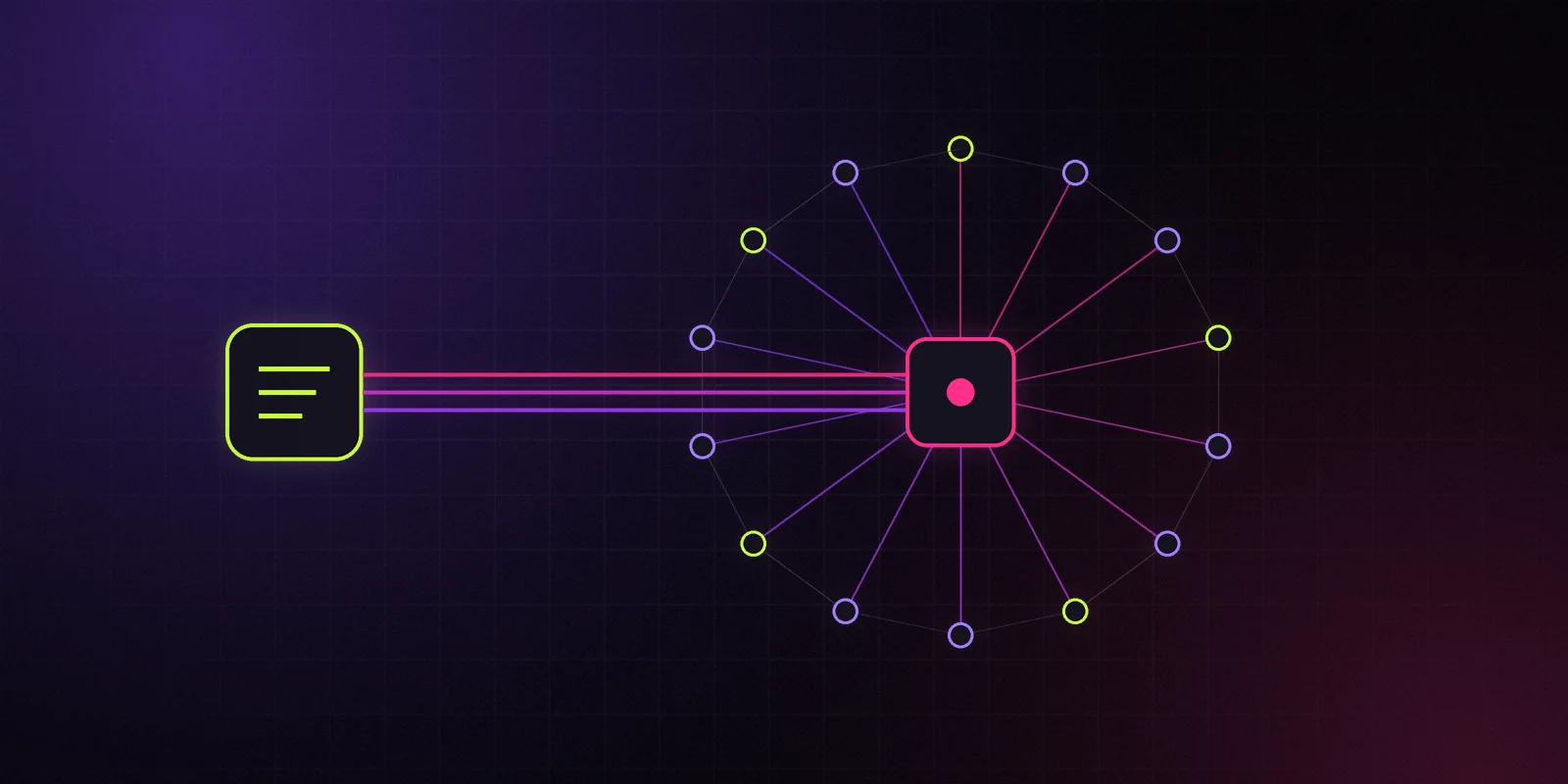
When your agent pulls its first market map, you'll want two things from it: real numbers, and the honesty to say how sure it is. That's what the DataPussy MCP server is built for. It gives any MCP client, such as Claude Code or Cursor, direct access to app-market data, with ranges intact and a price tag on every call.
Heads-up: the MCP server opens at launch. The URL below is where it will live. Until then, it won't answer.
Fourteen Tools, Written by Hand
Some MCP servers mirror every API endpoint one to one. That floods your agent with near-duplicate tools and burns context deciding between them. We went the other way: 14 tools, each written by hand on top of the same operations as our REST API.
apps_search— filter and sort apps with the same grammar as the API.apps_get— one app: metadata, current estimates and provenance.apps_timeseries— rank, ratings and estimate history over time.charts_get— a store chart for a country, category and date.ads_search— ads by app, country or date (Beta).videos_search— short-form videos linked to apps as mentions (Beta).creators_search— creators derived from our corpus, with attribution confidence (Beta).keywords_analyze— keyword popularity and our own difficulty index.reviews_query— review aggregates and velocity.screens_search— store screenshots analyzed into structured data (Beta).changes_list— what changed: prices, versions, metadata, ranks and availability.watchlists_manage— create and edit watchlists. The only tool that writes.meta_reference— countries, categories, charts, the filter catalog and method versions.account_usage— your plan, credits left and rate limits.
Thirteen of them only read. The one that writes touches only your own watchlists. Your agent can't change anything else.
Concise or Detailed
Context windows are a budget, so every tool can answer in two views.
Concise returns the fields an agent usually needs to reason: names, ids, ranks and estimates. Detailed adds full provenance: the source, kind and observed_at of each field, the inputs behind each estimate and the method version.
Both views keep p10 and p90. That's deliberate. If an agent summarizes a market and drops the ranges to save tokens, it quietly turns estimates back into fake facts. In our concise view, there's nothing to drop.
The Cost of Every Call
Every tool response includes what it cost in credits and a cursor for the next page. Your agent always knows what it has spent, and so do you. Before a big query, it can call account_usage to check the balance. And when you move a query from chat into a script, the REST API's dry_run and max_credits let you price and cap it before it runs.
Each response returns structuredContent that follows a published outputSchema, so agents get typed data instead of prose to parse.
Sign-In Without Pasting Secrets
The server supports OAuth 2.1 with PKCE. In a client that supports it, you add the server, a browser window opens, you sign in, and you're done. No key copied into a config file. For headless runs, such as CI jobs or scheduled agents, a regular API key works as a Bearer token.
The server speaks MCP revision 2026-07-28, and negotiates down for clients that still speak an older revision.
Untrusted Text Stays Untrusted
Reviews, ad copy and app descriptions are written by third parties. Any of them could contain text that tries to give your agent instructions. The server marks third-party text as untrusted in every response, so a well-behaved client treats it as data, not as a command.
Install in Claude Code
One command:
claude mcp add --transport http datapussy https://mcp.datapussy.com/mcp
Start Claude Code, run /mcp, and complete the sign-in for the datapussy server when prompted.
Install in Cursor
Add the server to your MCP config, either .cursor/mcp.json in a project or ~/.cursor/mcp.json for every project:
{
  "mcpServers": {
    "datapussy": {
      "url": "https://mcp.datapussy.com/mcp"
    }
  }
}
Open Cursor's MCP settings, enable the server and sign in.
Prompts to Start With
These are written to show what the tools can do together. Replace the placeholders with your own apps and markets.
- "Find iOS apps in Health & Fitness in the US and Germany that entered the Top Grossing top 100 in the last 30 days. Show revenue as P10–P90 with the grade, and sort by P50."
- "Compare the download estimates of [app A] and [app B] in the US over the last 90 days. Tell me whether their bands overlap, and what that means for which one is ahead."
- "List every change to [app]'s price, version and metadata this month, and line them up with its rank history."
- "Analyze these five App Store keywords for a habit-tracking app. Rank them by popularity against our difficulty index and suggest which to target first."
- "Summarize review velocity for the top 20 meditation apps in GB. Don't quote review text. Give me aggregates only."
- "Create a watchlist called Rivals with these three apps, then tell me what alerts I could set on it."
A good habit for the first prompt of any session: ask the agent to check account_usage and tell you what the request will cost before it runs.
What It Costs
The MCP server spends the same credits as the API, from the same plan. At launch:
- Free — $0, 250 credits a month. Enough to try every tool.
- Indie — $29 a month, 3,000 credits.
- Team — $99 a month, 15,000 credits and 5 seats.
Credit packs that never expire start at 5k credits for $59.
Why MCP at All
Your agent is already where you work: in your editor, in your terminal, in your planning docs. Asking it "is this category growing?" should get you a real answer with a real range, not a confident paragraph assembled from stale blog posts. MCP is how the data gets there without a custom integration. We built the server so that when your agent pounces on a question, it lands on numbers that admit what they don't know.
More from the blog
Methodology, honest numbers and the tools around them.

How We Estimate Downloads, Revenue and Ad Spend (Methodology v0)
The three models behind every DataPussy estimate, what we observe and what we model, how grades work, what we refuse to show, and how the method gets versioned. Version 0, and subject to change.
DataPussy Team
Methodology

Why Every Number Ships With a Range
A single download figure hides how unsure the model is. Here is how to read P10, P50 and P90, why a wide band is information rather than failure, and how to make decisions with ranges.
DataPussy Team
Methodology
What A, B, C and D Mean on a DataPussy Estimate
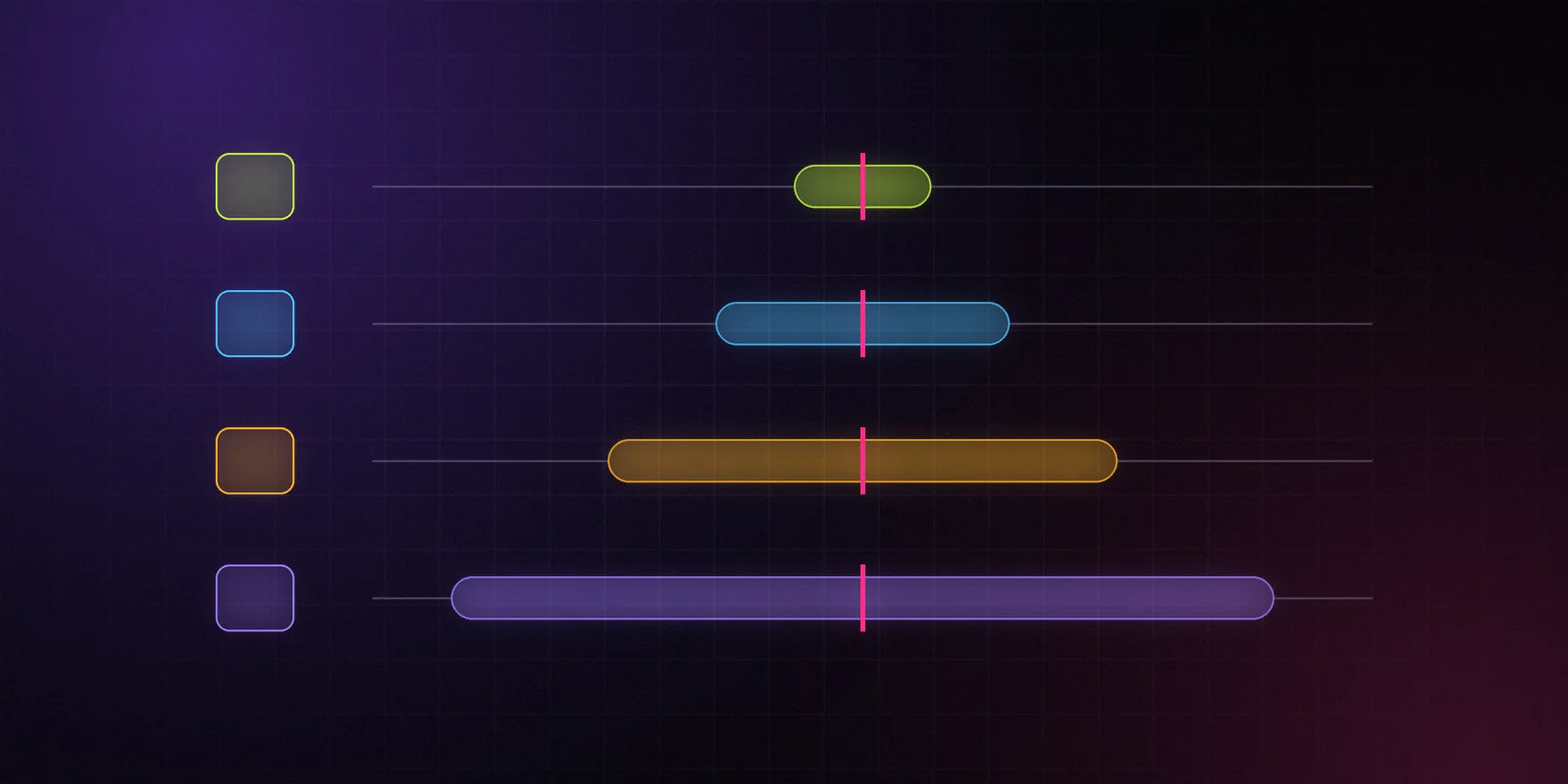
The band tells you how wide an estimate is. The grade tells you how much to trust the band. Here is what goes into each grade, why some segments get a D by rule, and how grades should change the way you use a number.
DataPussy Team
Methodology

Stop guessing in the dark.
The free plan, the first Data Drops and the private alpha go to the waitlist first.