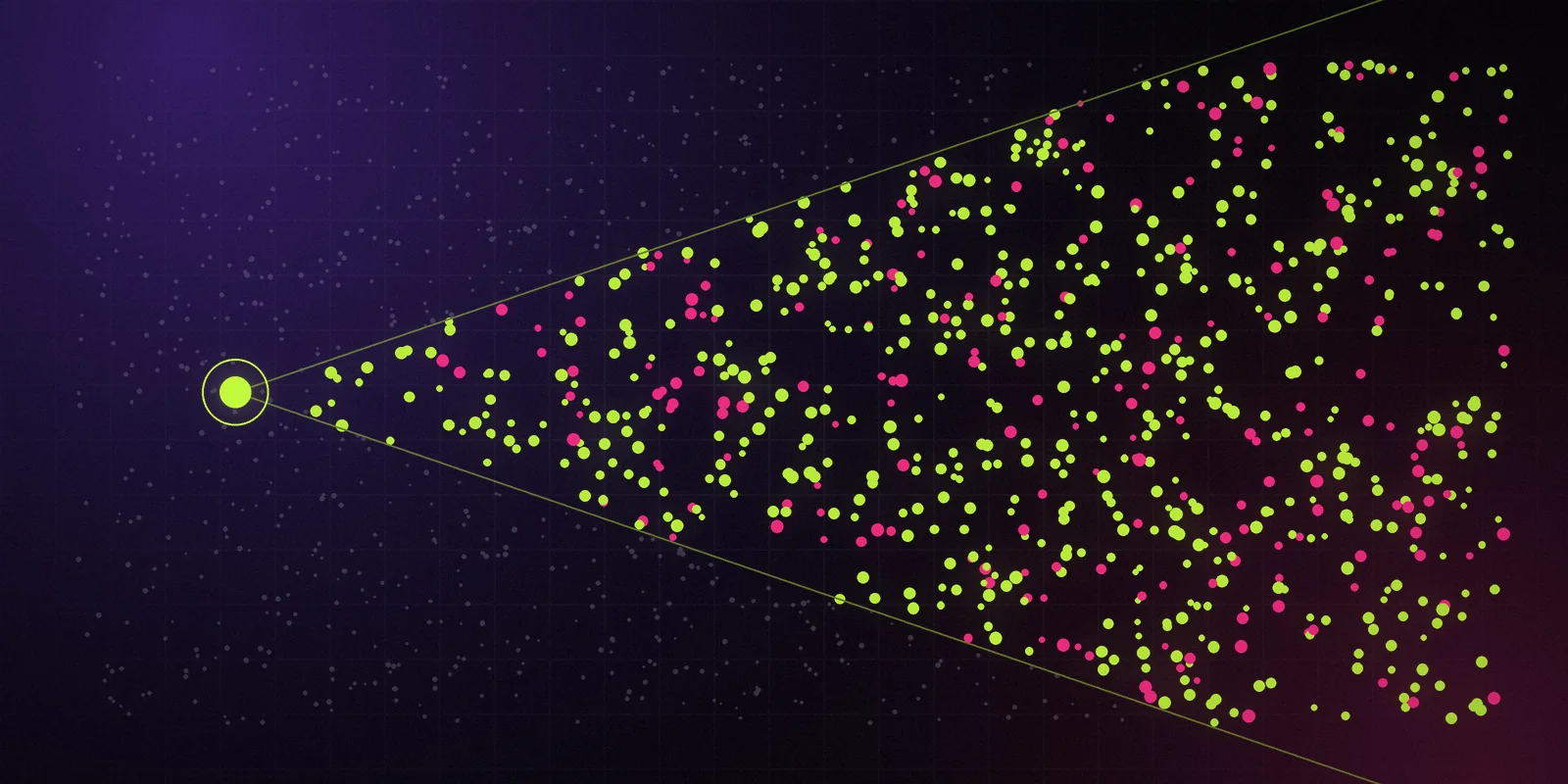
App Explorer · GA at launch

Type an app. See its numbers.

Filter the iOS and Google Play markets the way you would query a database. Save the view, share the URL, or copy it as curl, SDK code or an MCP prompt.

App Explorer is where you start. Pick a store, a country and a category, then stack filters until the market fits on one screen. Every row shows downloads and revenue as a range, with a grade beside it. Click through and the detail page tells you what we observed, what we modeled, and when.

What's Included at Launch

iOS and Google Play in one table, with about 40 filters grouped by store, chart, price, ratings, reviews, releases and estimates.
Charts and rank history in 10 launch countries: US, GB, CA, AU, DE, FR, ES, MX, BR and JP.
Named signals: downloads over 30 days, rank delta and review velocity.
Saved views, watchlists and alerts by email or signed webhook.
Detail pages with P10–P50–P90 bands, a grade from A to D and provenance on every field.
Review aggregates and velocity, without reviewer aliases.

One Grammar, Three Places

The chips you click become the URL. The URL uses the same grammar as the REST API, and the same filter catalog feeds the MCP server. So any view you build can leave the dashboard in one click: as a curl command, as TypeScript SDK code, or as a prompt for your agent.

Example request — illustrative, not real data:

curl "https://api.datapussy.com/v1/apps?store=ios&country=US&category=health-fitness&rank[lte]=100&view=concise" \
  -H "Authorization: Bearer $DATAPUSSY_API_KEY"

Same filters, same sort, same apps. No re-building the query by hand, no drift between what you saw and what your script fetches.

Provenance on Every Field

Each field on the detail page carries source, kind and observed_at. The kind is one of three words:

  • observed — we saw it on a public store page or an official endpoint.
  • modeled — our estimate, labeled "Estimate — modeled".
  • verified — confirmed by the app's developer through Claim your app, and shown only with their consent.

Downloads and revenue are modeled. They don't come from Apple, Google or the publisher, and we never say they do.

What It Is Not

App Explorer is not a census. At launch it covers roughly 300–500k apps with live signal: apps that sit in a chart or had a ratings change in the last 30 days. Apps outside that set get monthly estimates instead of daily ones. Our history starts when our collection started, and every app page says so. Google Play coverage starts narrower than iOS, because Play has no official batch lookup.

On paid plans, browsing the dashboard doesn't spend credits. Credits pay for API and MCP calls. Cmd-K, keyboard shortcuts and a compact density mode are there when you want to move fast.
What you get

One filter grammar for the dashboard, the API and your agent

A single filter catalog feeds the dashboard, the REST API and the MCP server. A view you build in one place runs unchanged in the other two.

About 40 filters

Store, country, category, chart and rank, price, in-app purchases, ratings, review velocity, release and update dates, estimate ranges and confidence grade. Chips on screen, plain parameters in the URL.

iOS and Google Play together

Both stores in one table, with charts and rank history in 10 launch countries. Each app page shows the date our history for it starts, so you never mistake a gap for a trend.

Detail pages with bands

Downloads and revenue as P10, P50 and P90 with a grade from A to D. Named signals instead of a vague growth score: downloads over 30 days, rank delta and review velocity.

Copy as curl, SDK or MCP prompt

Any view leaves the dashboard in one click. The same query runs from your terminal, your TypeScript code or your AI agent, and returns the same apps.

How it works

From public signal to honest number

Every number goes through the same steps, and every step leaves a trace you can inspect: source, kind, time and method version.

01

Start with a question

Type an app name, or pick a store, a country and a category. The search box also accepts App Store ids and Google Play package names.

02

Stack filters

Add chips from the grouped catalog. Each chip writes itself into the URL, so the view is shareable and reproducible.

03

Read the bands

Sort by P50, then check the band and the grade. If two bands overlap, you can't tell those apps apart, and we won't pretend you can.

04

Save and watch

Save the view, add apps to a watchlist and choose alerts by email or signed webhook when ranks, prices, versions or metadata change.

05

Take it with you

Copy the view as curl, SDK code or an MCP prompt and run the same query from your code or your agent.

FAQ

Questions a skeptic would ask

Good. Ask them. Here are the straight answers.

From public signals we collect ourselves: official Apple endpoints and RSS feeds, public store pages, ad libraries and public video pages, read without logging in. Revenue and downloads are then modeled from those signals. Every field says whether we observed it or modeled it, and when.

Still curious?

A person reads every email.

Waitlist

Stop guessing in the dark.

The free plan, the first Data Drops and the private alpha go to the waitlist first.

Product updates only. Unsubscribe anytime. See our privacy notice.